Step 1: Unlock the Device
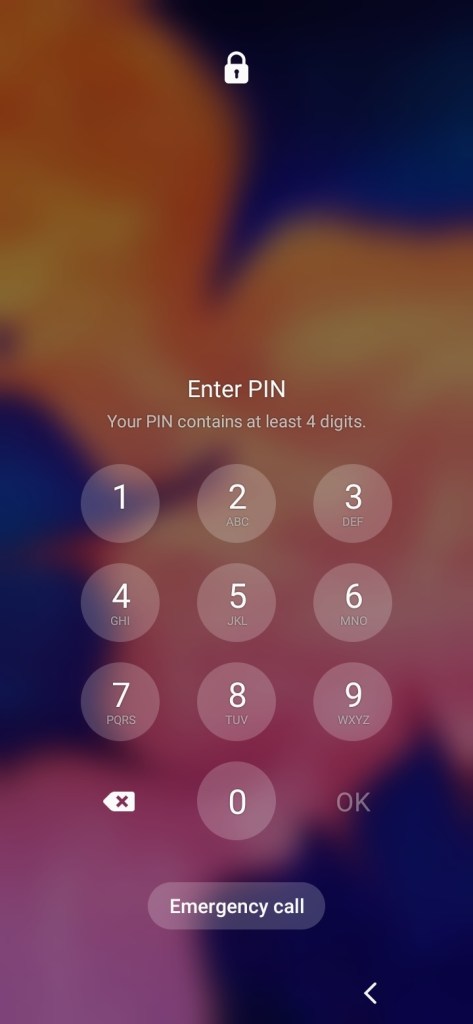
The first step is to enter the home screen from the lock screen. Depending on login info this could range from a fingerprint to a password to even facial recognition. Ideally, there’s something – anything — preventing anyone from just entering the phone without authorization.
Step 2: Swipe from the top of the screen down
To swipe down to activate the menu seen below in Android, place your finger or a stylus near the top of the screen. This will depend on the screen orientation. Next while holding the stylus or your finger to the screen (and also applying a little pressure!), drag said stylus or finger down from the top of the screen. A menu like the below screenshot should appear.
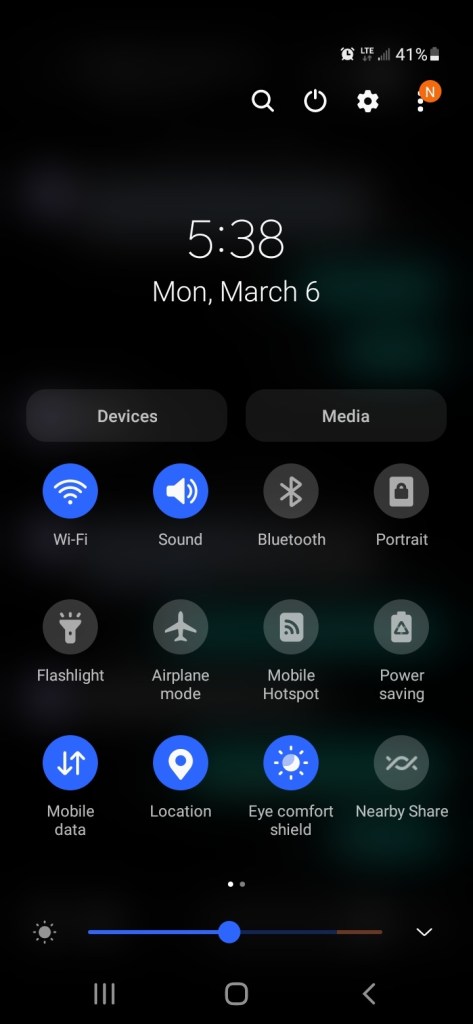
Step 3: Press the Bluetooth icon to toggle on or off.
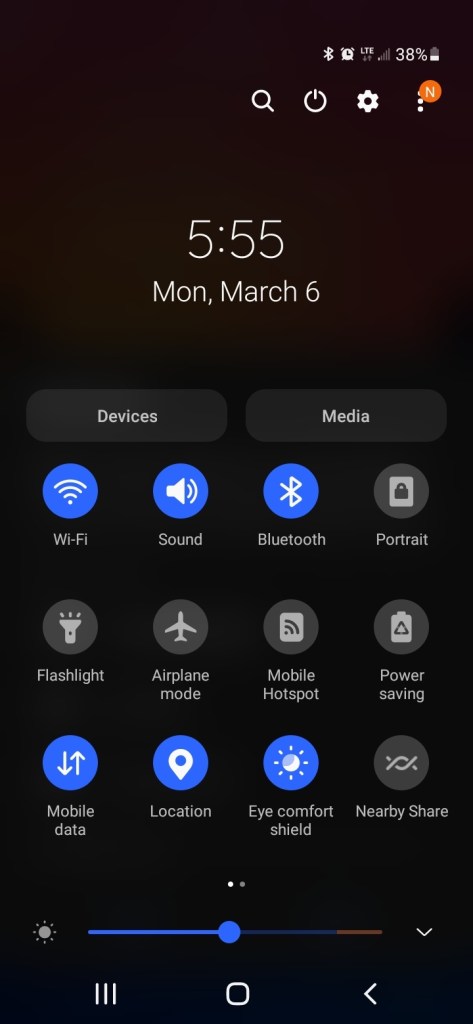
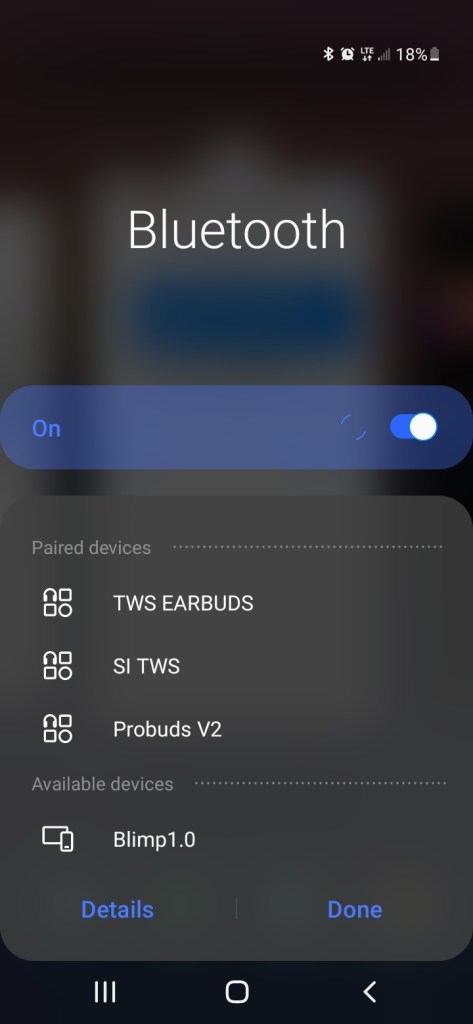
Step 4: With Bluetooth on, this completes the walk thru. You may want to connect devices to the Android Device. Some versions of Android allow a second swipe like on Step 2. This will bring up a menu with extra features such as the screenshot below. Pressing that word ‘Bluetooth’ acts as a shortcut to get to the area in Android to pair and connect devices. That toggle also is a way to turn Bluetooth on and off.

 IT Lessons Learn
Leave a comment