A driver is a piece of software that sits in a little different role than user mode programs such as Microsoft Word or the Overwatch game. Depending how what it was made, a driver may be used to help software communicate between devices like a graphics card and between parts of the OS. The common point for drivers in an operating system is that they exist to help the OS bridge a gap in communication (aviviano, “What is a driver?”, learn.microsoft.com). This post is written from the perspective of Windows, but drivers do exist for Linux also.
For Windows at least, there a few types of drivers. This post focuses on the device driver, software that exists to bridge the gap between a device such as a scanner or graphics card and the operating system. One good reason for drivers like this to exist is ease of developing the software that enables the GPU and the OS to communicate. Each team (GPU programmers and the Windows programmers) only need to be concerned with matching the Device Driver API/protocol. Neither needs to worry about how they implement their underlying code outside of communicating via thru the Device Driver.
For example, a GPU (graphics card) builder, only needs to write the code that exposes said GPU’s abilities to Windows according to Device Driver specifications. The programming teams who build Windows need not write software for every GPU ever. They just need to write the code that deals with loading the proper driver that exposes the GPU’s really cool abilities to the system. From a certain point of view, this is abstracting the implementation away from the presentation.
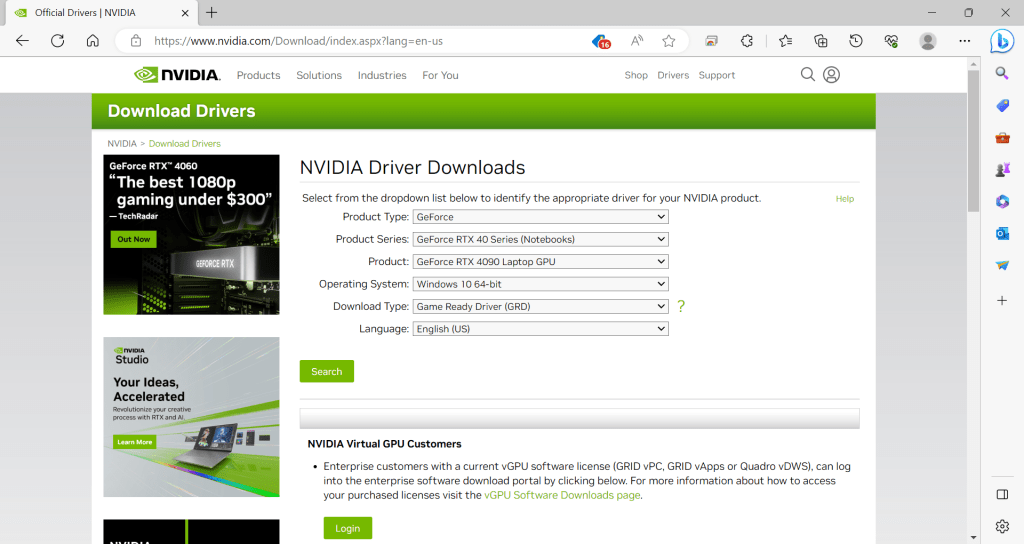
This wraps our post up. In in there’s a brief talk about the role of a device driver in Windows. In our links of interest below, you can read some more about Windows Drivers, a walk thru in how to change a driver in device manager and a short post on the benefits of separating an implementation from how something is presented.
Links of interest:
What is a driver? – Windows drivers | Microsoft Learn
Quickfire: Physical vs Logical or “Benefits to Virtualize the Implementation Away”
Walk Thru: Updating/Changing a Driver on Windows 10 Manually with Device Manager.

 IT Lessons Learn
Leave a comment